EP 6 12:52
Why Your Laptop Feels Slow (It's the Storage)
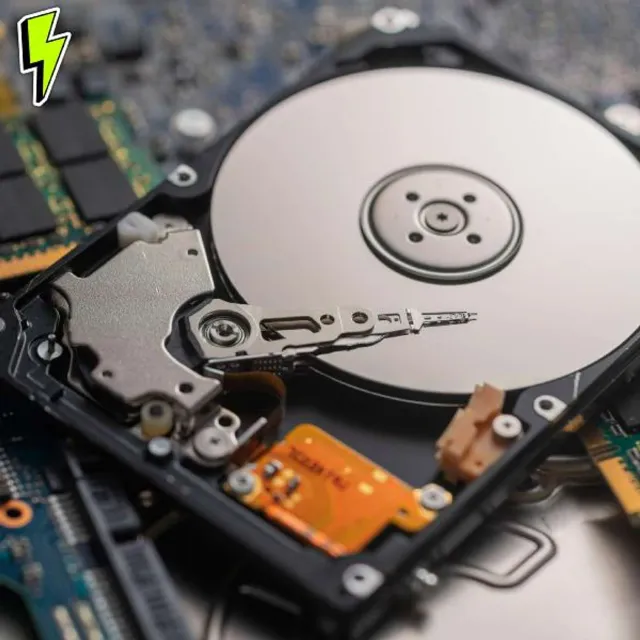
Your laptop shouldn’t feel like it’s wading through syrup, and the fix is usually storage, not a new machine. This episode untangles the acronyms that confuse everyone: HDD, SSD, NVMe, and M.2, and what each one actually means for boot times, game loads, and general responsiveness.
The key is separating the layers people mix up. HDD versus SSD is the technology, mechanical versus solid state. SATA versus NVMe is the interface, which sets the speed ceiling. M.2 is just the physical shape, not a performance guarantee, which is exactly how people end up paying premium prices for SATA-limited hardware.
I walk through the common scenarios: the brand-new but suspiciously cheap laptop that ships with a spinning disk, the gamer stuck on loading screens, the creator who needs smooth scrubbing and faster exports. You’ll leave knowing which words on the spec sheet matter, NVMe and PCIe, and how to buy the upgrade that changes how the computer feels instead of the one that just looks good on paper.